Activity 25: SOLID PRINCIPLES in Angular
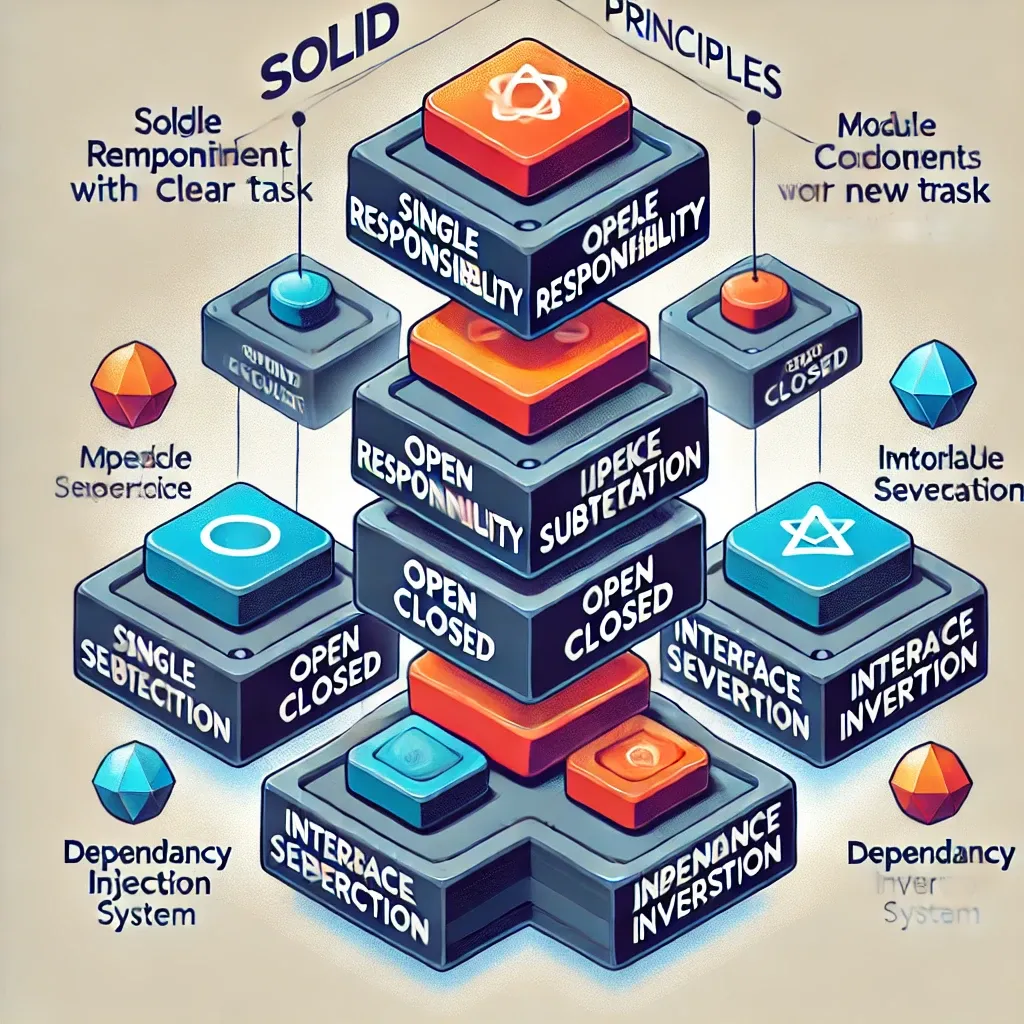
SOLID Principles in Angular
The SOLID principles are a set of design principles that serve as a guide for developers to create maintainable and scalable software. These principles are particularly beneficial in object-oriented programming, but they can also be applied to Angular applications to enhance code quality, improve collaboration, and facilitate easier testing. Let's explore each of the SOLID principles and illustrate their application in an Angular context.
S - Single Responsibility Principle (SRP)
Definition: A class should have only one reason to change, meaning it should have only one job or responsibility.
Application in Angular:
In Angular, components, services, and directives should only focus on a single task. This simplifies testing and maintenance.
Example:
Imagine a UserService that handles both user authentication and user profile operations. According to SRP, we should separate these concerns.
Before applying SRP:
class UserService {
  login(username: string, password: string) { /* logic to log user in */ }
  updateProfile(userData: any) { /* logic to update user profile */ }
}
After applying SRP:
class AuthService {
  login(username: string, password: string) { /* logic to log user in */ }
}

class UserProfileService {
  updateProfile(userData: any) { /* logic to update user profile */ }
}
//navbar.component.ts
import { Component } from '@angular/core';
import { RouterLink } from '@angular/router';
import { OnInit } from '@angular/core';
import { LoggingService } from '../../logging services';
import { AlertLoggingService } from '../../alert services';
import { ConsoleLoggingService } from '../../console services';
import { EmailNotificationService } from '../../email services';
@Component({
    selector: 'app-navbar',
    standalone: true,
    imports: [RouterLink],
    template: `
        <nav
            style="
        display: flex;
        justify-content: center;
        flex-direction: row;
        width: 100%;
        background-color: #f2c1ac;
        font-weight: bold;
        border-top: 1px solid #f5ddd2;
    ">
    <header class="layout-header">
        <h1 class="base-heading">SOLID PRINCIPLES IN ANGULAR</h1>

            <ul
                style="
            display: flex;
            justify-content: center;
            flex-direction: row;
            gap: 20px;
            list-style: none;
        ">

                <li><a routerLink="#">Home</a></li>
                <li><a routerLink="#">About</a></li>
                <li><a routerLink="#">Contact</a></li>
            </ul>
        </header>
        </nav>
    `,
    styleUrl: './navbar.component.css',
})
export class NavbarComponent implements OnInit {
    constructor(
        private loggingService: LoggingService,
        private alertLoggingService: AlertLoggingService,
        private consoleLoggingService: ConsoleLoggingService,
        private emailNotificationService: EmailNotificationService,
    ) {}

    ngOnInit(): void {
        this.loggingService.log('Navigation Bar Component Initialized');
        this.alertLoggingService.logAlert('Navigation Bar Component Initialized');
        this.consoleLoggingService.logConsole('Navigation Bar Component Initialized');
        this.emailNotificationService.send('Some kind of message');
    }
}
//footer.component.ts
import { Component } from '@angular/core';
@Component({
selector: 'app-footer',
standalone: true,
imports: [],
template: `
<footer
style="
display: flex;
justify-content: center;
align-items: center;
flex-direction: column;
background-color: #f2c1ac;
padding: 1rem;
font-weight: bold;
margin-top: 1rem;
border-top: 1px solid #f5ddd2;
">
<p>© Copyright 2024 - All Rights Reserved</p>
<p>
Powered by
<a href="https://github.com/Darsssiiieee"> Darsie </a>
</p>
</footer>
`,
styleUrl: './footer.component.css',
})
export class FooterComponent {}
Real-World Use Case:
Separating user authentication and profile management allows the AuthService to grow independently from UserProfileService, reducing the risk of bugs and making testing easier.
O - Open/Closed Principle (OCP)
Definition: Software entities should be open for extension but closed for modification.
Application in Angular:
In Angular, we can design components and services that are easily extendable without changing existing code, often leveraging inheritance or interfaces.
Example:
Suppose you have a basic notification service.
Before applying OCP:
class NotificationService {
  notify(message: string) {
    console.log('Notification: ' + message);
  }
}
After applying OCP:
interface Notifier {
  notify(message: string): void;
}

class NotificationService implements Notifier {
  notify(message: string) {
    console.log('Notification: ' + message);
  }
}

class EmailNotificationService extends NotificationService {
  notify(message: string) {
    // Logic for sending email notification
    console.log('Email Notification: ' + message);
  }
}
Real-World Use Case:
By using the Notifier interface, we can introduce new types of notifications (e.g., SMS, Push notifications) without changing the original NotificationService, adhering to OCP.
L - Liskov Substitution Principle (LSP)
Definition: Subtypes must be substitutable for their base types without affecting the correctness of the program.
Application in Angular:
In Angular, we can ensure that derived classes extend the functionality of base classes without altering expected behaviors.
Example:
If we extend our notification service to handle different types, we must ensure they maintain expected behavior.
Before applying LSP:
class NotificationService {
  notify(message: string) {}
}

class EmailNotificationService extends NotificationService {
  notify(message: string) {
    throw new Error('Email service is down');
  }
}
After applying LSP:
class NotificationService {
  notify(message: string) {}
}

class EmailNotificationService extends NotificationService {
  notify(message: string) {
    // Logic to send email
  }
}

class SMSNotificationService extends NotificationService {
  notify(message: string) {
    // Logic to send SMS
  }
}
// Base class logging.service.ts
import { Injectable } from '@angular/core';
import { Logger } from './interface/logger';

@Injectable({
    providedIn: 'root',
})
export class LoggingService implements Logger {
    constructor() {}
    log(message: string): void {
        console.log(`Log: ${message}`);
    }
}

// Child Class console services.ts
import { Injectable } from '@angular/core';
import { ConsoleLogger } from './interface/logger';
@Injectable({
    providedIn: 'root',
})
export class ConsoleLoggingService implements ConsoleLogger {
    constructor() { }
    log(message: string): void {
        console.log(`Log: ${message}`);
    }
    logConsole(message: string): void {
        console.log(`Console: ${message}`);
    }
}

// Child Class alert services.ts
import { Injectable } from '@angular/core';
import { AlertLogger } from './interface/logger';

@Injectable({
    providedIn: 'root',
})
export class AlertLoggingService implements AlertLogger {
    constructor() {}
    logAlert(message: string): void {
        alert(`Alert: ${message}`);
    }
    log(message: string): void {
        console.log(`Log: ${message}`);
    }
}

// navbar.component.ts
import { Component } from '@angular/core';
import { RouterLink } from '@angular/router';
import { OnInit } from '@angular/core';
import { LoggingService } from '../../logging services';
import { AlertLoggingService } from '../../alert services';
import { ConsoleLoggingService } from '../../console services';
import { EmailNotificationService } from '../../email services';
@Component({
    selector: 'app-navbar',
    standalone: true,
    imports: [RouterLink],
    template: `
        <nav
            style="
        display: flex;
        justify-content: center;
        flex-direction: row;
        width: 100%;
        background-color: #f2c1ac;
        font-weight: bold;
        border-top: 1px solid #f5ddd2;
    ">
    <header class="layout-header">
        <h1 class="base-heading">SOLID PRINCIPLES IN ANGULAR</h1>

            <ul
                style="
            display: flex;
            justify-content: center;
            flex-direction: row;
            gap: 20px;
            list-style: none;
        ">

                <li><a routerLink="#">Home</a></li>
                <li><a routerLink="#">About</a></li>
                <li><a routerLink="#">Contact</a></li>
            </ul>
        </header>
        </nav>
    `,
    styleUrl: './navbar.component.css',
})
export class NavbarComponent implements OnInit {
    constructor(
        private loggingService: LoggingService,
        private alertLoggingService: AlertLoggingService,
        private consoleLoggingService: ConsoleLoggingService,
        private emailNotificationService: EmailNotificationService,
    ) {}

    ngOnInit(): void {
        this.loggingService.log('Navigation Bar Component Initialized');
        this.alertLoggingService.logAlert('Navigation Bar Component Initialized');
        this.consoleLoggingService.logConsole('Navigation Bar Component Initialized');
        this.emailNotificationService.send('Some kind of message');
    }
}

Real-World Use Case:
If we ensure all notification subclasses behave appropriately, we can seamlessly interchange EmailNotificationService and SMSNotificationService without error during runtime.
I - Interface Segregation Principle (ISP)
Definition: Clients should not be forced to depend on interfaces they do not use.
Application in Angular:
This principle promotes the creation of smaller, specific interfaces instead of one large interface. It minimizes the risk of changes affecting multiple parts of the application.
Example:
Imagine a service that implements various functionalities.
Before applying ISP:
interface NotificationInterface {
  sendEmail(email: string, message: string);
  sendSMS(phoneNumber: string, message: string);
}

class NotificationService implements NotificationInterface {
  sendEmail(email: string, message: string) { /* send email */ }
  sendSMS(phoneNumber: string, message: string) { /* send SMS */ }
}
After applying ISP:
interface EmailNotifier {
  sendEmail(email: string, message: string);
}

interface SMSNotifier {
  sendSMS(phoneNumber: string, message: string);
}

class EmailNotificationService implements EmailNotifier {
  sendEmail(email: string, message: string) { /* send email */ }
}

class SMSNotificationService implements SMSNotifier {
  sendSMS(phoneNumber: string, message: string) { /* send SMS */ }
}
// interface/logger.ts
export interface Logger {
    log(message: string): void;
}

export interface ConsoleLogger extends Logger {
    logConsole(message: string): void;
}

export interface AlertLogger extends Logger {
    logAlert(message: string): void;
}

// alert services.ts:
import { Injectable } from '@angular/core';
import { AlertLogger } from './interface/logger';

@Injectable({
    providedIn: 'root',
})
export class AlertLoggingService implements AlertLogger {
    constructor() {}
    logAlert(message: string): void {
        alert(`Alert: ${message}`);
    }
    log(message: string): void {
        console.log(`Log: ${message}`);
    }
}

// console services.ts
import { Injectable } from '@angular/core';
import { ConsoleLogger } from './interface/logger';
@Injectable({
    providedIn: 'root',
})
export class ConsoleLoggingService implements ConsoleLogger {
    constructor() { }
    log(message: string): void {
        console.log(`Log: ${message}`);
    }
    logConsole(message: string): void {
        console.log(`Console: ${message}`);
    }
}

 // logging services.ts
import { Injectable } from '@angular/core';
import { Logger } from './interface/logger';

@Injectable({
    providedIn: 'root',
})
export class LoggingService implements Logger {
    constructor() {}
    log(message: string): void {
        console.log(`Log: ${message}`);
    }
}

// navbar.component.ts
import { Component } from '@angular/core';
import { RouterLink } from '@angular/router';
import { OnInit } from '@angular/core';
import { LoggingService } from '../../logging services';
import { AlertLoggingService } from '../../alert services';
import { ConsoleLoggingService } from '../../console services';
import { EmailNotificationService } from '../../email services';
@Component({
    selector: 'app-navbar',
    standalone: true,
    imports: [RouterLink],
    template: `
        <nav
            style="
        display: flex;
        justify-content: center;
        flex-direction: row;
        width: 100%;
        background-color: #f2c1ac;
        font-weight: bold;
        border-top: 1px solid #f5ddd2;
    ">
    <header class="layout-header">
        <h1 class="base-heading">SOLID PRINCIPLES IN ANGULAR</h1>

            <ul
                style="
            display: flex;
            justify-content: center;
            flex-direction: row;
            gap: 20px;
            list-style: none;
        ">

                <li><a routerLink="#">Home</a></li>
                <li><a routerLink="#">About</a></li>
                <li><a routerLink="#">Contact</a></li>
            </ul>
        </header>
        </nav>
    `,
    styleUrl: './navbar.component.css',
})
export class NavbarComponent implements OnInit {
    constructor(
        private loggingService: LoggingService,
        private alertLoggingService: AlertLoggingService,
        private consoleLoggingService: ConsoleLoggingService,
        private emailNotificationService: EmailNotificationService,
    ) {}

    ngOnInit(): void {
        this.loggingService.log('Navigation Bar Component Initialized');
        this.alertLoggingService.logAlert('Navigation Bar Component Initialized');
        this.consoleLoggingService.logConsole('Navigation Bar Component Initialized');
        this.emailNotificationService.send('Some kind of message');
    }
}
Real-World Use Case:
By splitting interfaces, we prevent classes from being burdened with methods they do not need, making the code more focused and manageable.
D - Dependency Inversion Principle (DIP)
Definition: High-level modules should not depend on low-level modules; both should depend on abstractions. Abstractions should not depend on details; details should depend on abstractions.
Application in Angular:
In practice, we can achieve this through Angular services and dependency injection.
Example:
Before applying DIP:
class UserService {
  private apiService = new ApiService(); // Direct dependency

  getUser() { return this.apiService.getUser(); }
}
After applying DIP:
interface ApiServiceInterface {
  getUser(): User;
}

class ApiService implements ApiServiceInterface {
  getUser() { /* logic to get user */ }
}

class UserService {
  constructor(private apiService: ApiServiceInterface) {}

  getUser() { return this.apiService.getUser(); }
}
// email services.ts
import { Injectable } from '@angular/core';

interface Notification {
    send(message: string): void;
}

@Injectable({
    providedIn: 'root',
})
export class EmailNotificationService implements Notification {
    constructor() { }

    send(message: string): void {
        console.log(`Sending email with message: ${message}`);
    }
}
// navbar.component.ts
import { Component } from '@angular/core';
import { RouterLink } from '@angular/router';
import { OnInit } from '@angular/core';
import { LoggingService } from '../../logging services';
import { AlertLoggingService } from '../../alert services';
import { ConsoleLoggingService } from '../../console services';
import { EmailNotificationService } from '../../email services';
@Component({
    selector: 'app-navbar',
    standalone: true,
    imports: [RouterLink],
    template: `
        <nav
            style="
        display: flex;
        justify-content: center;
        flex-direction: row;
        width: 100%;
        background-color: #f2c1ac;
        font-weight: bold;
        border-top: 1px solid #f5ddd2;
    ">
    <header class="layout-header">
        <h1 class="base-heading">SOLID PRINCIPLES IN ANGULAR</h1>

            <ul
                style="
            display: flex;
            justify-content: center;
            flex-direction: row;
            gap: 20px;
            list-style: none;
        ">

                <li><a routerLink="#">Home</a></li>
                <li><a routerLink="#">About</a></li>
                <li><a routerLink="#">Contact</a></li>
            </ul>
        </header>
        </nav>
    `,
    styleUrl: './navbar.component.css',
})
export class NavbarComponent implements OnInit {
    constructor(
        private loggingService: LoggingService,
        private alertLoggingService: AlertLoggingService,
        private consoleLoggingService: ConsoleLoggingService,
        private emailNotificationService: EmailNotificationService,
    ) {}

    ngOnInit(): void {
        this.loggingService.log('Navigation Bar Component Initialized');
        this.alertLoggingService.logAlert('Navigation Bar Component Initialized');
        this.consoleLoggingService.logConsole('Navigation Bar Component Initialized');
        this.emailNotificationService.send('Some kind of message');
    }
}

Real-World Use Case:
By abstracting the ApiService behind an interface, we allow UserService to work with any service that implements ApiServiceInterface. This improves testability (e.g., using mocks during testing) and enhances flexibility in future changes.