Activity 18: Research HTML
Instructions:
Basic HTML Elements:
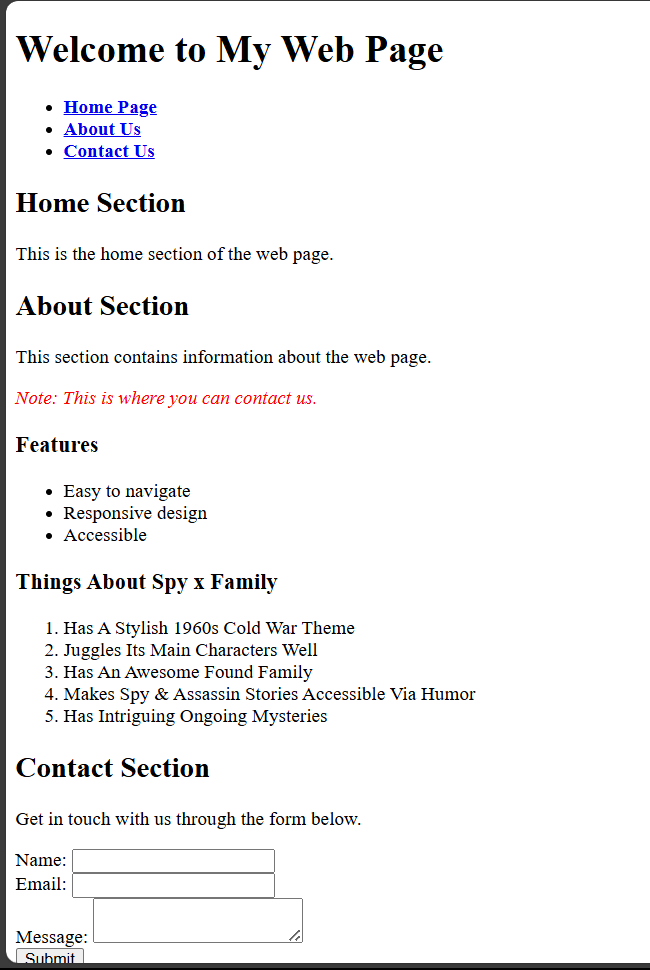
Write an HTML document and use the following:
Headings: Add headings like <h1>, <h2>, <h3>, etc.
Paragraph: Use <p> for text blocks.
Lists:
Unordered List: Use <ul> for bullet points.
Ordered List: Use <ol> for numbered lists.
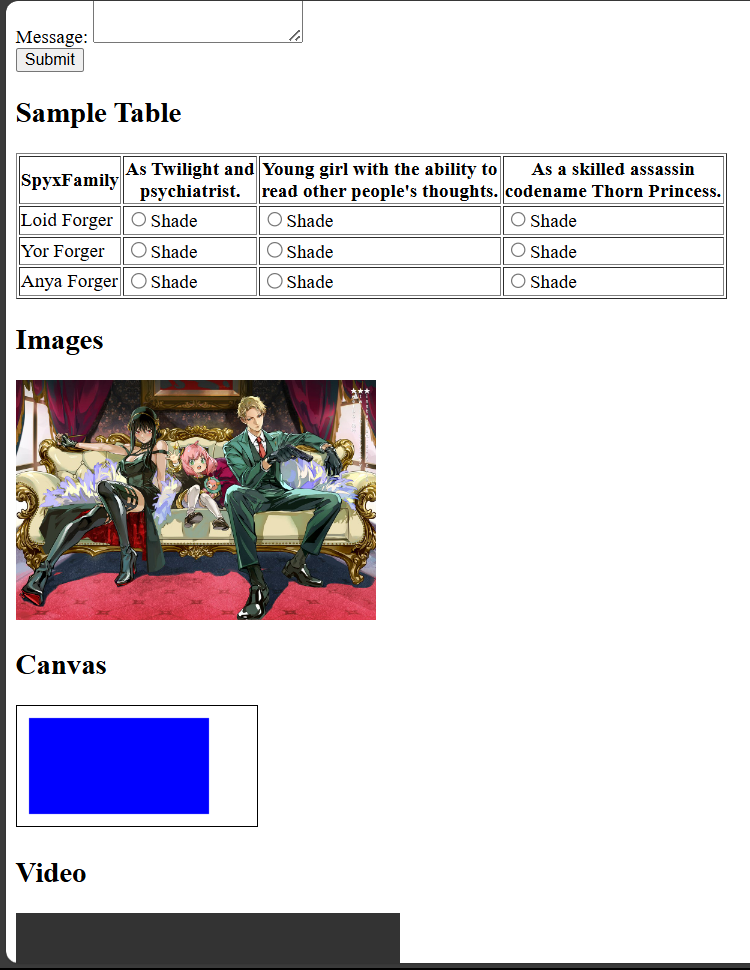
Table: Add a table with <table>, <tr>, <th>, and <td>.
Form
Div
Images
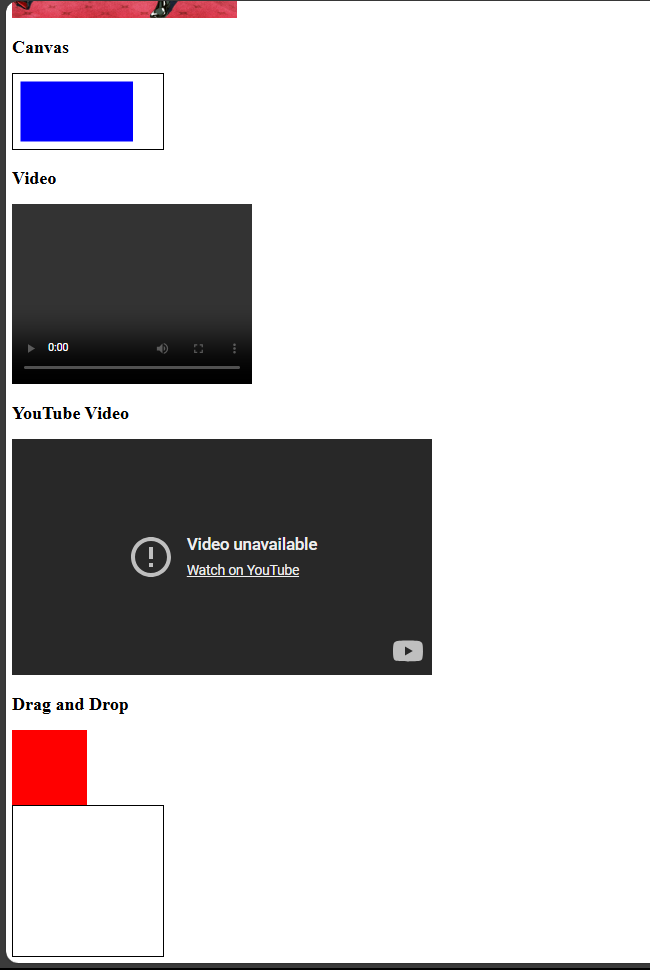
canvas
video
YouTube
drag and drop
Semantic HTML:
- Use meaningful tags like <header>, <footer>, <article>, <section>, and <nav> to organize your web page.
SOURCE CODE
<!DOCTYPE html>
<html lang="en">
<head>
    <meta charset="UTF-8">
    <meta name="viewport" content="width=device-width, initial-scale=1.0">
    <title>Comprehensive HTML Document</title>
</head>
<body>
    <!-- Semantic HTML -->
    <header>
        <h1>Welcome to My Web Page</h1>
        <nav>
            <ul>
                <li><a href="#home"><b>Home Page</b></a></li>
                <li><a href="#about"><b>About Us</b></a></li>
                <li><a href="#contact"><b>Contact Us</b></a></li>
            </ul>
        </nav>
    </header>

    <section id="home">
        <h2>Home Section</h2>
        <p>This is the home section of the web page.</p>
    </section>

    <section id="about">
        <h2>About Section</h2>
        <p>This section contains information about the web page.</p>
        <p style="color:red"><I>Note: This is where you can contact us.</I></p>

        <!-- Unordered List -->
        <h3>Features</h3>
        <ul>
            <li>Easy to navigate</li>
            <li>Responsive design</li>
            <li>Accessible</li>
        </ul>
        <!-- Ordered List -->
        <h3>Things About Spy x Family</h3>
        <ol>
            <li>Has A Stylish 1960s Cold War Theme</li>
            <li>Juggles Its Main Characters Well</li>
            <li>Has An Awesome Found Family</li>
            <li>Makes Spy & Assassin Stories Accessible Via Humor</li>
            <li>Has Intriguing Ongoing Mysteries</li>

        </ol>
    </section>

    <section id="contact">
        <h2>Contact Section</h2>
        <p>Get in touch with us through the form below.</p>
        <!-- Form -->
        <form action="#" method="post">
            <div>
                <label for="name">Name:</label>
                <input type="text" id="name" name="name" required>
            </div>
            <div>
                <label for="email">Email:</label>
                <input type="email" id="email" name="email" required>
            </div>
            <div>
                <label for="message">Message:</label>
                <textarea id="message" name="message" required></textarea>
            </div>
            <button type="submit">Submit</button>
        </form>
    </section>

    <!-- Table -->
    <section>
        <h2>Sample Table</h2>
        <table border="1">
            <tr>
                <td><b>SpyxFamily</b></td>
                <th>As Twilight and<br>psychiatrist.</th>
                <th>Young girl with the ability to<br>read other people's thoughts.</th>
                <th>As a skilled assassin<br>codename Thorn Princess.</th>
            </tr>
            <tr>
                <td>Loid Forger</td>
                <td><input type= "radio">Shade</td>
                <td><input type= "radio">Shade</td>
                <td><input type= "radio">Shade</td>
            </tr>
            <tr>
                <td>Yor Forger</td>
                <td><input type= "radio">Shade</td>
                <td><input type= "radio">Shade</td>
                <td><input type= "radio">Shade</td>
            </tr>
            <tr>
                <td>Anya Forger</td>
                <td><input type= "radio">Shade</td>
                <td><input type= "radio">Shade</td>
                <td><input type= "radio">Shade</td>
            </tr>
        </table>
    </section>

    <!--For the Images -->
    <section>
        <h2>Images</h2>
        <img src="C:\SVFC agenda\4th yr\1st sem\SIA 102(SYSTEM INTEGRATION AND ARCHITECTURE)\spyxfamily.jpg" width="300" height="200"alt="Placeholder Image">
    </section>

    <!--For the Canvas -->
    <section>
        <h2>Canvas</h2>
        <canvas id="myCanvas" width="200" height="100" style="border:1px solid #000000;"></canvas>
        <script>
            var canvas = document.getElementById('myCanvas');
            var context = canvas.getContext('2d');
            context.fillStyle = 'blue';
            context.fillRect(10, 10, 150, 80);
        </script>
    </section>

    <!--For the Video -->
    <section>
        <h2>Video</h2>
        <video width="320" height="240" controls>
            <source src="movie.mp4" type="video/mp4">
            Your browser does not support the video tag.
        </video>
    </section>

    <!--For the YouTube -->
    <section>
        <h2>YouTube Video</h2>
        <iframe width="560" height="315" src="https://www.youtube-nocookie.com/embed/EzGs8Tm_C2g?si=VFvaE3QTGmsnHHA6" title="YouTube video player" frameborder="0" allow="accelerometer; autoplay; clipboard-write; encrypted-media; gyroscope; picture-in-picture; web-share" referrerpolicy="strict-origin-when-cross-origin" allowfullscreen></iframe>
    </section>

    <!--For the Drag and Drop -->
    <section>
        <h2>Drag and Drop</h2>
        <div id="drag1" draggable="true" ondragstart="drag(event)" style="width: 100px; height: 100px; background-color: red;"></div>
        <div id="dropzone" ondrop="drop(event)" ondragover="allowDrop(event)" style="width: 200px; height: 200px; border: 1px solid black;"></div>
        <script>
            function allowDrop(event) {
                event.preventDefault();
            }

            function drag(event) {
                event.dataTransfer.setData("text", event.target.id);
            }

            function drop(event) {
                event.preventDefault();
                var data = event.dataTransfer.getData("text");
                event.target.appendChild(document.getElementById(data));
            }
OUTPUT